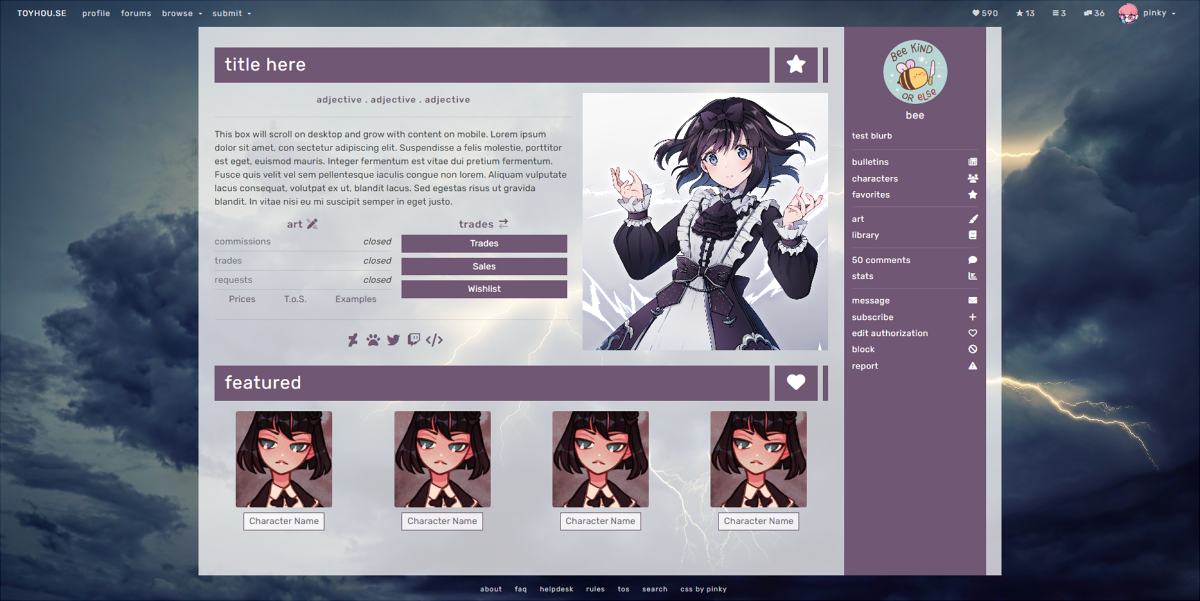
Profile
Panels Layout
CSS by Pinky
Released Feb. 27, 2024
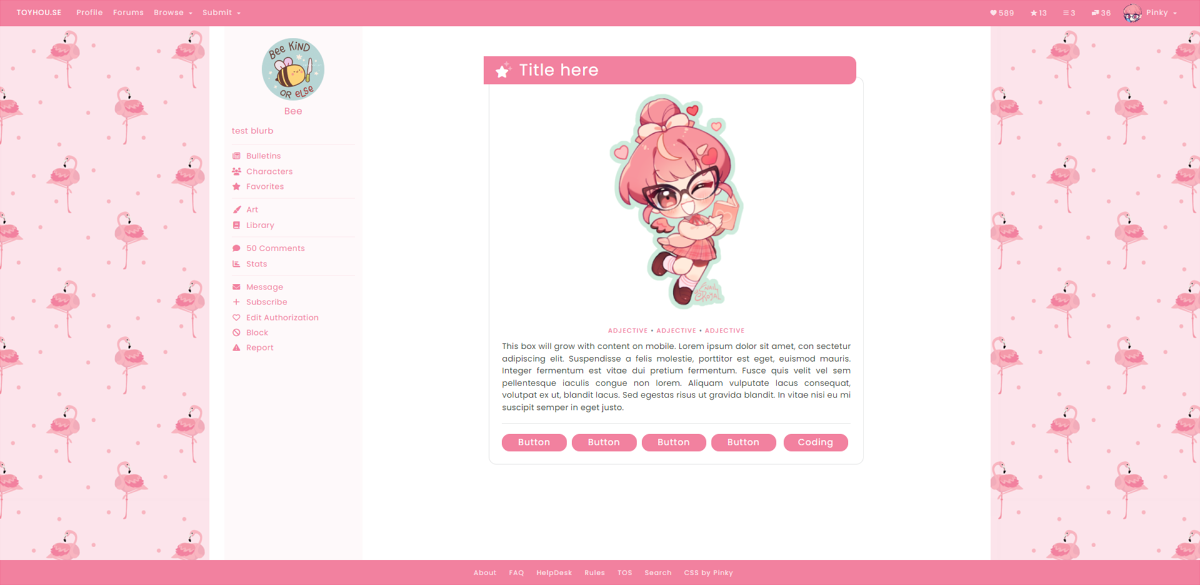
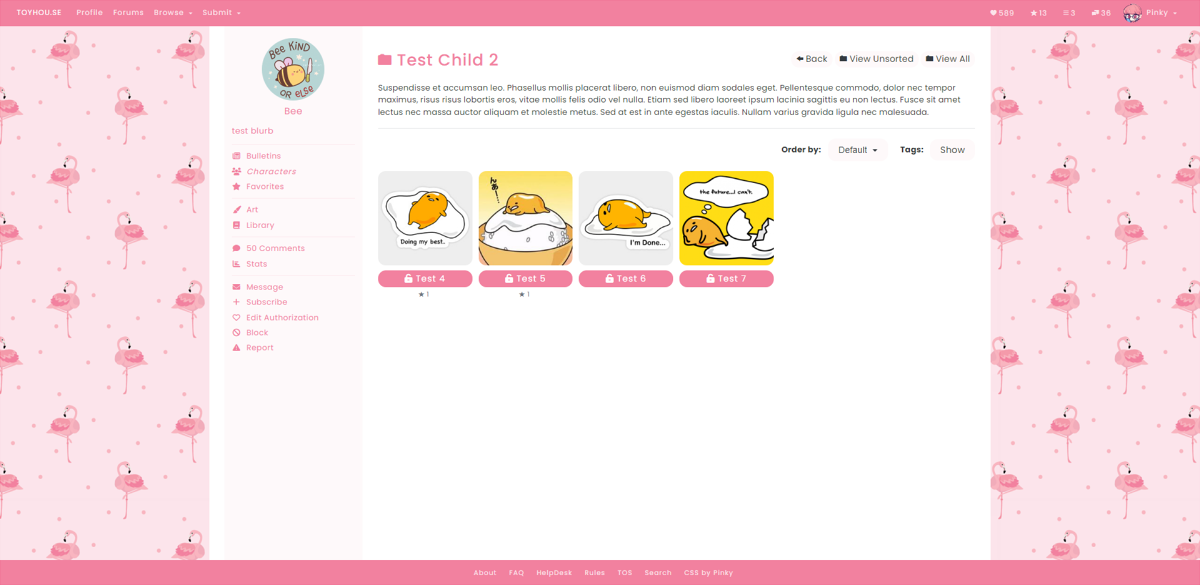
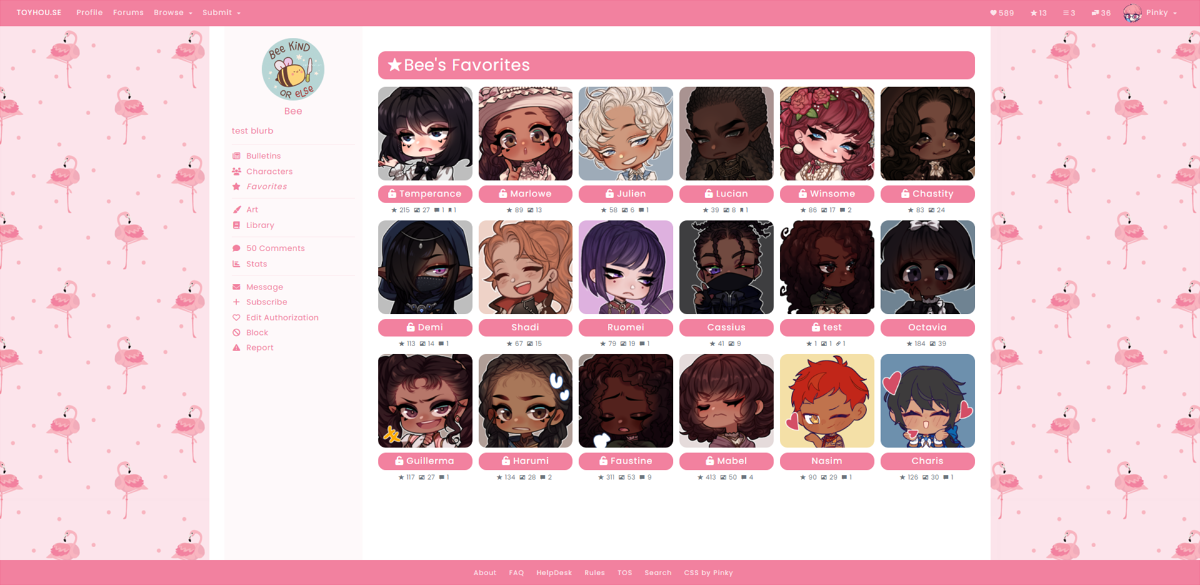
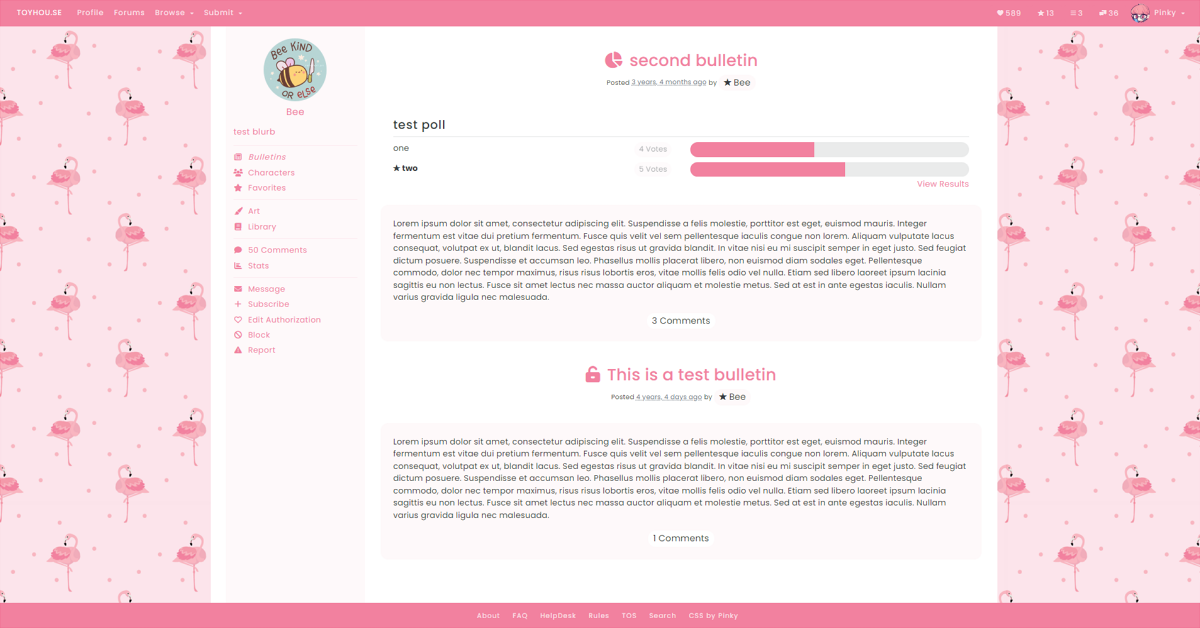
HTML Previews
Scroll
Live PreviewScroll Mini
Live PreviewIcons
Live PreviewGrid Mini
Live PreviewUser Simple
Live PreviewUser Box
Live PreviewBonus: Collab HTML
HTML that was designed by other users & edited to work with my Panels CSS.
I did not design/create the original HTML, I only did the edits to make them work properly with this CSS.
Details
- CSS works on user profiles, character profiles & literatures.
- User CSS/HTML is compatible with default TH sections (featured comments, recent characters, etc)
- CSS allows you to customize...
- Background image and/or color
- Primary highlight color (for links & butttons)
- TH header bar color
- Can set both the background & font color
- TH navigation bar color
- Can set both the background & font color
- Content area body color & font
- Bootstrap colors (faded background, secondary color, danger, warning, etc)
- Width of the content area (default is 1250px)
- Font family + font size
- import a custom google font
- Includes switches for
- Choose navbar icon shape (square, circle or arch)
- Choose which side of the screen the navbar displays (left or right)
- Choose the font case for the header case/navigation links (uppercase, lowercase or default)
- Corners can be sharp or round (4 options)
- Background image can be a pattern or a full size image
- Less commonly used sidebar links can be turned on/off
- Recent images on character pages can be turned on/off
- Navbar link icons can float to the right, or have their default position on the left
Customization Tips
- If you want the toyhouse header to sit directly on the backgroumd, set the header color to transparent
- $header: transparent; -Live Example
- If you want the background color to be slightly transparent, use the rgba() function
- W3Schools documentation
- Basically the first 3 numbers determine the color, the last number determines the transparency.
- $body: rgba(255,255,255,.75); - Example One
- $body: rgba(15, 15, 15, .75); - Example Two
- W3Schools documentation
- If you want the navbar to be a faded version of the primary color, use the rgba() function with the $primary color
- $navbar: rgba($primary, .125); - Example
Credits
Models


View More
Recent Images